

 Euro
Euro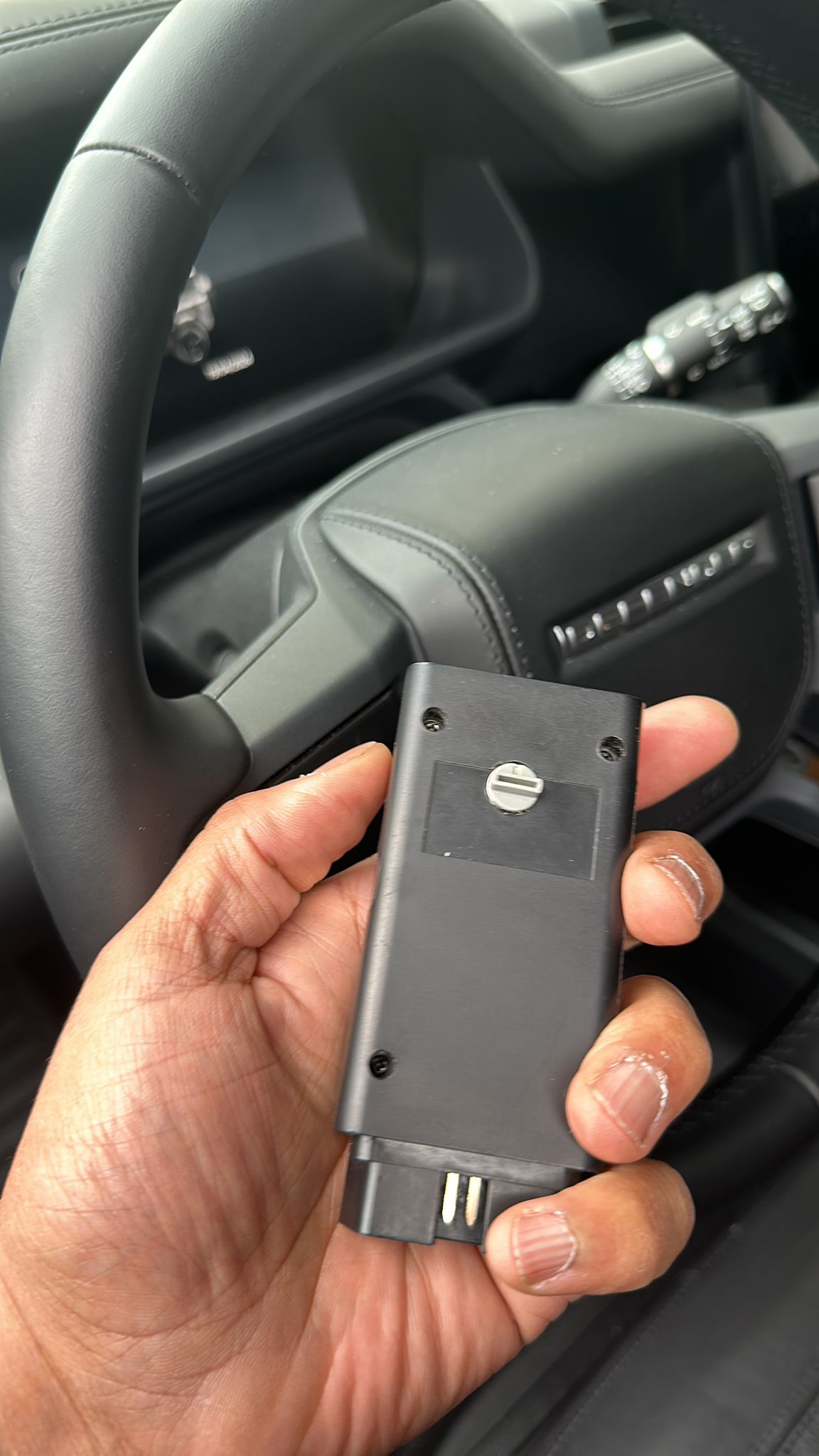
Descrizione
Jlr fast start
The best seller that start any jlr in couple of second
Programmer DIAG v10.59++
JLR emergency start engine and key programmer
Mode ( E ) Emergency Start Engine with alarm armed 2012-2018 :
- Land Rover Evoque 2012-2018
- Land Rover Discovery Sport 2015-2018
- Jaguar F-type, XJ 2014-2018
- Jaguar F-Pace, XE 2015-2018
- Jaguar XF 2015-12/2016
- Range Rover Sport, Vogue 2013-12/2016 (version 16.5)
plug the device in Mode (E) to the OBD2 socket
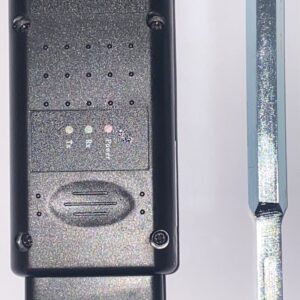
- LED will light on red and you will hear a short beep for 3-5 seconds, then LED will change color on green and will start to blink very fast, it mean the connection with car is ok and car is ready to Start
- Press the Start button on the console for 2 seconds, engine will Start automatictly
( if LED will blink very slow, around 1 time on 1 second, it mean that model is not supported )
After start the engine, you can unplug device from OBD2
If you turn off the engine and want to start again, must plug device to OBD2 socket again
NEW !!!
Mode (E) and (D) Emergency Start Engine for cars with a new diagnostic connector in DoiP standard,
on active alarm system :
- Land Rover Sport, Vogue 2017-02/2018
- Land Rover Velar 2017/2018
- Land Rover Discovery V 2017-02/2018
- Jaguar XF 2017-2018
- Jaguar F-Pace 2018
– plug the device in Mode (E) to the OBD2 connector
– after a few seconds you will hear a long beep, wait for about 10 seconds and disconnect the device
– switch the device on Mode (D)!!!
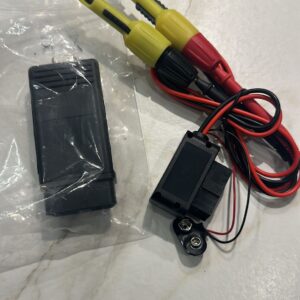
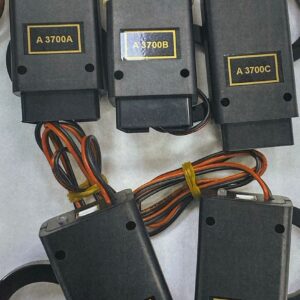
– connect connectors to CAN wires in the car and battery 9V if you have small version of the device
(if you have bigger version of the device, then battery is located inside the case)
– connect wires with needles to the device (programming will start automatically)
– after about 5 seconds, press and hold the Start button on the console 2 seconds to start the engine
CAN-Hi CAN-Low yellow wire with an orange strap (red clamp)
yellow wire with purple strap (black clamp)
The programmer does not have to be connected to the CAN cables while driving
After the first emergency start by CAN wires, the alarm system will be automatically disconnected and
the central lock will be open.
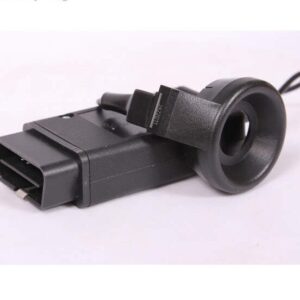
In you want to start the engine next time, you can add a Key Emulator in the Mode (0)
NEW !!!
Mode ( 0 ) – Programming Key Emulator
Latest function for programming Key Emulator in all JLR cars 2018/2019 if alarm is not active
Mode ( 0 ) – Programming Key Emulator
works with all models of JLR with alarm armed, from 2010 up to 04/2016
and 04/2016-2019 with alarm disarmed
Programming manual:
-plug device in MODE 0, to the OBD2 socket
-alarm system will be turned off after 2-3 seconds
-hold the Key Emulator to the sterring column (all models have a special point on sterring column with
hidden antenna inside, left side of column, or under of column, three small plastic belts on plastic case)
-If you heard a long beep from the device after next few seconds, push START button on the console.
Do this during long beep or in next 2-3 seconds because if you will be wait to long device don’t add the
Key Emulator to the car
Mode ( 1 ) – Programming one key to the car with not blocked KVM module,with alarm armed or
disarmed. working with models 2010 – 03/2015 with KVM module DPLA…
and 2015-2017 with KVM module FK72,HPLA, only version not blocked
Programming Manual:
-connect device in MODE 1, to the OBD2 socket
-You will hear one short beep, it means there is a connection with the car
-after the second short beep, press the OPEN button on the remote control and hold until the central lock
go open and emergency lights blink and light up for a moment dashboard.
that operation will take 7-10 seconds
Mode (2) – Programming two new keys to the car with not blocked KVM module FK72… 2015/2016
and KVM module HPLA… 2017
(use that option after change KVM in the car for new one, only module version RFA 31.1. and 31.4.)
Not working with version GK72, JPLA 2018, J9C3 2018
Programming Manual:
-connect the device in MODE 2, to the OBD2 socket
-You will hear one short beep, it means there is a connection with the car
-then You will hear long beep, during that long beep press the OPEN button on the first remote control
and hold it until the end of the sound or until the blink emergency lights and opens central locking
-then you hear another long beep, press the OPEN button on the second remote control and hold it until
the end of the sound
-after correct programming two keys, dashboard will light up for few seconds
Warning ! It is necessary to program two keys immediately!
Mode (3) – Change KVM module, type FK72 or HPLA on new one, not adapted before,
version RFA 31.1. or 31.4 only
– plug the new KVM module into the car
– plug device in MODE 3, to OBD2 socked
– during programming will be flashing red led light, and dashboard will light up for a moment
-if you will see green led light on the device that mean the procedur is done. operation will take
up to two minutes
-unplug the device, change switch inside on MODE 2 and add two new keys
After that operation you can add two new keys to car
and make synchronization KVM module after programming new keys by Mode ( 4 )
or erase all errors in the car by Mode ( C )
Additional information about Mode( 0 ):
-After the first programming, the Key Emulator will be work all the time in the car. If you want to start the
engine must hold the Key Emulator to the sterring column and push start button on the console
-Remote in the Key Emulator not will be working
-You can use the Key Emulator with many cars
-Device working on all cars with new KVM module FK72,HPLA,JPLA
-Device working only with our Key Emulator
-If you can‘t find a place with a hidden antenna on the steering column, after the device is connected to
the OBD2, you must press Start button and information about the hidden antenna will be displayed on
the dashboard. After that, sometimes you have to repeat the procedure programming
Programmer DIAG v10.4 in MODE 0 ,working on cars JLR 2010-04/2016 with alarm armed
and cars after 04/2016-2019 if alarm is disarmed
Function Emergency Start Engine – Mode(E) or Mode(E+D) working with almost JLR cars with alarm armed
until 2018, also some models with VIN 2019
except cars with new model of smart key,
that cars working only on Mode(0) if alarm system is OFF
Short description:
Mode ( 0 ) add key emulator 2010-2019 NEW!
Mode ( 1 ) add new key 2010-03/2015 with KVM DPLA (like in old version the device) and KVM FK72,HPLA
not blocked 2015/2017
Mode ( 2 ) add new keys after change KVM for new one 2012-2017
Mode ( 3 ) programming new module KVM to the car in two minutes
Mode ( 4 ) synchronization KVM module after programming new keys
Mode ( B ) checking the VIN and deleting all errors on models with the new OBD2 connector in the DoiP
Standard
-Green LED with sound signal – the VIN number is correct in the dashboard and modules
-Red LED with sound signal – the VIN number is different
Mode ( C ) erase all errors in the car
Mode ( E ) Emergency start engine without a key in all models of JLR
Mode (E) + (D) Emergency start engine without a key in models with a new OBD2 connector in the DoiP
standard (2017-2018) NEW!
Mode ( F ) Ignition ON, test mode, does not change and does not correct data
CAN wires in Land Rover Velar and Jaguar F-Pace
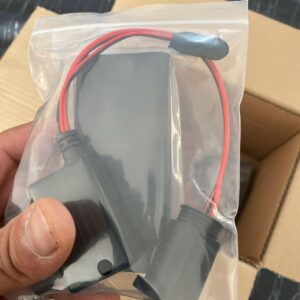
Connector with CAN wires Plug cover with CAN wires
CAN-Hi and CAN-Low wires
On the Sport, Vogue, Discovery V models, the CAN wires are located in the left or right side in the trunk or
above the passenger‘s legs
RR Sport and Vogue ( passenger site )
* OUR DEVICES ARE SOLD FOR OFFICIAL AND PRIVATE USE ONLY. WE ARE NOT RESPONSIBLE FOR FRAUDULENT OR ILLEGAL USE OF THE EQUIPMENT SOLD TO YOU.

 English
  Italiano
  Español
  Polski
  Deutsch
Reviews
There are no reviews yet.