

 Euro
Euro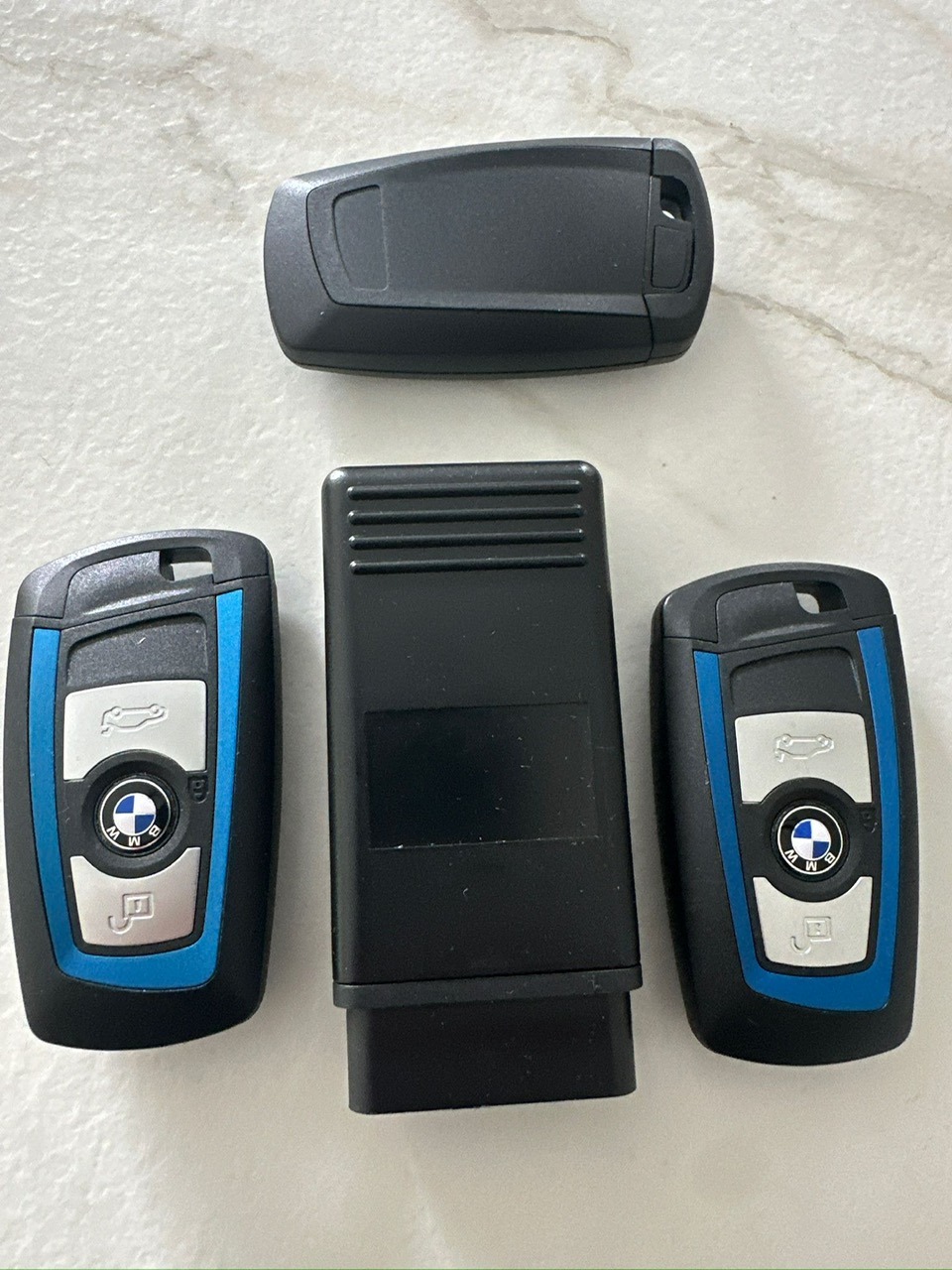
Descrizione
Keydevice Bmw F Serie
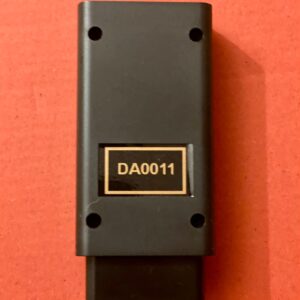
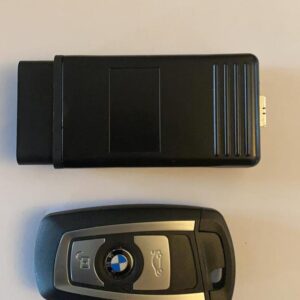
BKP2 – BMW KEY PROG 2
New BKP2 stand-alone key programmer for BMW F-series cars equipped with CAS ECU with EWS4 (CAS4) and EWS5 (CAS4+) systems. Devices uses high-speed ENET internal network to gain access to key programming. Programming takes 2 minutes for CAS4 (EWS4) and 8 minutes for DME+CAS4 (EWS5).
!!! 9078 of DME firmware types supported.
List of vehicles supported (LCI-facelift/restyle):
- 5′ F07 GT (09/2008 — 06/2013)
- 5′ F07 GT LCI (08/2012 — 02/2017)
- 5′ F10 (01/2009 — 10/2016)
- 5′ F10 LCI (08/2012 — 10/2016)
- 5′ F11 (01/2009 — 06/2013) Hatchback
- 5′ F11 LCI (08/2012 — 02/2017)
- 5′ F18 (08/2009 — 08/2013) «Long for the Chinese market»
- 5′ F18 LCI (10/2012 — 04/2017) «Long for the Chinese market»
- 6′ F06 Gran Coupe (05/2011 — 03/2015)
- 6′ F06 Gran Coupe LCI (05/2014 — 09/2018)
- 6′ F12 (10/2009 — 02/2015) Convertible
- 6′ F12 LCI (05/2014 — 05/2018)
- 6′ F13 (03/2010 — 02/2015)
- 6′ F13 LCI (05/2014 — 10/2017)
- 7′ F01 (06/2007 — 06/2012)
- 7′ F01 LCI (05/2011 — 05/2015)
- 7′ F02 (07/2007 — 06/2012)
- 7′ F02 LCI (05/2011 — 05/2015)
- 7′ F03 (04/2008 — 05/2012)
- 7′ F03 LCI (01/2012 — 03/2015)
- 7′ F04 Hybrid (10/2008 — 06/2012)
- X3 F25 (06/2009 — 08/2017)
- X4 F26 (05/2013 — 03/2018)
- Rolls-Royce Ghost RR4 (08/2008 — 11/2019)
- Rolls-Royce Wraith RR5 (11/2012 — 12/2019)
- Rolls-Royce Dawn RR6 (04/2015 — 11/2019)
Description:
1. Open the car door with a mechanical key or Turbodecoder HU100R Lock pick.
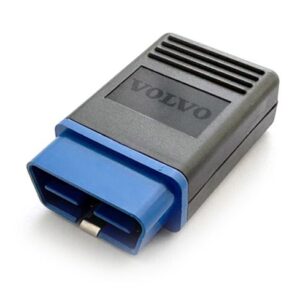
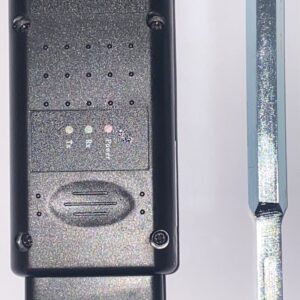
2. Plug the BKP2 programmer into the ODB diagnostic socket. The RED LED on the
programmer will light up, indicating that there is a 12V voltage at the OBD connector.
3. BKP2 will emit a beep signal – indicating that the high-speed ENET bus is working (you may need to press the START button or the brake pedal to wake up the vehicle’s network). BKP2
will turn on the ignition and the car will be “awakened”.
4. If the standard alarm is triggered (a red LED is flashing under the rear-view mirror), press
the central locking button to turn it off.
5. If CAS4 EWS5 system installed in the car but device have not necessary firmwares for
programming, you will hear the voice message “Unit version is not supported” – it means that this software version does not currently support the key programming function and will be added to BKP2 in the next updare
BKP2
6. If the vehicle software version is support, you will hear the message “The electronic unit is being programmed. Please wait.”, and BKP2 will start programming the electronic units via the high speed ENET bus. Programming takes 2 minutes for CAS4 (EWS4) and 8 minutes for DME+CAS4 (EWS5).
7. When the programming of the units is completed, you will hear a double beep-beep and a voice message “Keep the key by the steering column. Key frequency xxx MHz. “
8. There are five different key versions – 315 MHz, 315 MHz “Low Power”, 434 MHz, 434 MHz for the Korean market, 868 MHz. Only the correct key type can be programmed into the car. As example, it’s impossible to program 434MHz key into a car equipped with 868MHz keys. Listen carefully to the voice prompts of the BKP2.
9. Keep the correct key by the steering column where the key reader is installed. (Picture with key logo on the steering column).
10. If the key does not fit this car, you will hear a message for what reason the key did not fit. For successful key programming – attach the correct key.
11. If the key fits, you will hear a triple beep-beep-beep sound. Continue to hold the key to the steering column, the key programming time is five seconds. If the key has been successfully programmed, you will hear the voice message “The key has been successfully programmed” and a long beep – beeeeeep.
Important information:
1. Device usage for criminal actions is prohibited.
2. Always select correct key using VIN. Always select genuine keys. If Keyless option not
working after programming – key has incorrect frequency.
3. If the CAS and DME have already been programmed and unlocked – no reprogramming is
required, BKP2 immediately goes to the key write function.
4. A total of 8 keys can be programmed into CAS4.
5. Device does not delete stored keys from CAS memory.
6. Programmed keys not blocked and can be reused.
7. If all free key tracks are blocked as “lost” – BKP2 unlocks the first free track and writes the
key to it.
8. If BKP2 says “The key is not written”, the key for such a car will not be programmed. A
possible reason is a dead battery in the car, which caused damage to the unit memory during programming. Always connect an additional battery or external power source for vehicles that have not been used for a long time.
9. If a car was tuned or extra options were removed or altered (EGR etc.), device restores original factory firmware and all of the tuned options will be lost.
10. If the CAS has already been programmed with non-factory firmware, the programming may fail and the CAS unit will need to be restored.
11. Never remove BKP2 during programming session – high risk of damage to vehicle ECUs. If BKP2 was removed from OBD before the end of the ECU programming, when you reconnect the BKP2, an attempt will be made to restore the damaged electronic components of this vehicle from the backup. If BKP2 is connected to another car, the backup data of the previous car will be deleted.
* OUR DEVICES ARE SOLD FOR OFFICIAL AND PRIVATE USE ONLY. WE ARE NOT RESPONSIBLE FOR FRAUDULENT OR ILLEGAL USE OF THE EQUIPMENT SOLD TO YOU.

 English
  Italiano
  Español
  Polski
  Deutsch
Reviews
There are no reviews yet.